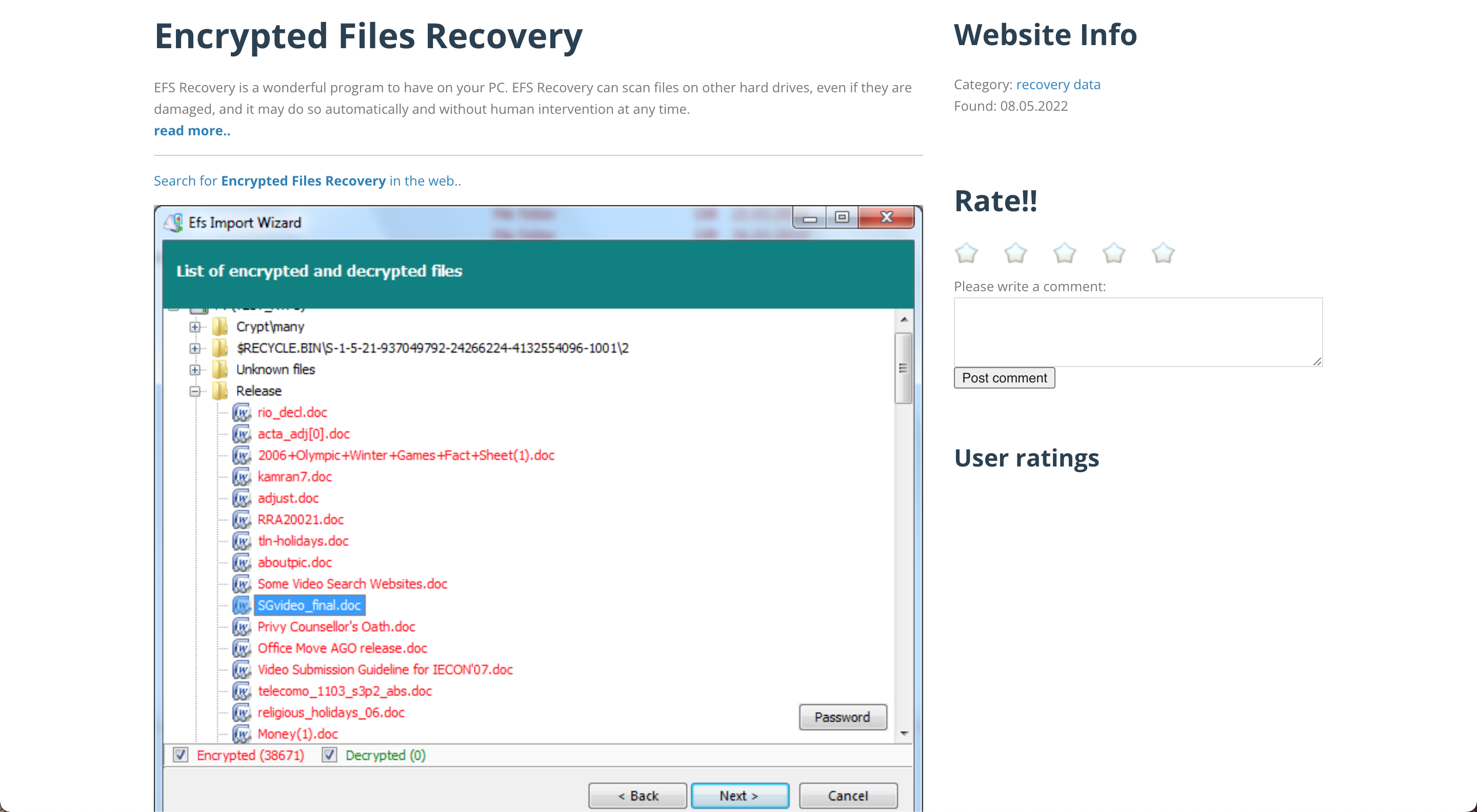
How to recover encrypted files
System restore
Another way to recover encrypted files is through a system restore. Doing a system restore point may differ depending on your operating system. For Windows 10, you may perform the following steps to system restore the computer.
- Click on Start.
- Go to Update & security > Recovery.
- Click on Advanced Startup.
- Click on Troubleshoot → Advanced options → System Restore.
- Click Next, then choose a system point that will help recover ransomware encrypted files.
- Click Next and wait until the system restore is finish.
In case system restore never solves the problem, there’s another way to recover ransomware encrypted files.
Data recovery software
Data recovery software also helps you recover ransomware encrypted files. In case you failed to backup the files or the computer has no restore point, the data recovery software can save you the trouble.
You can download data recovery software such as DiskInternals Partition Recovery. It scans your desired drive to recover ransomware encrypted files. You may also download MiniTool Power which allows you to scan specific files to narrow down the search. There are other data recovery software available online. Choose the best for you.
