ChatGPT History Gone: How to Retrieve Your Lost ChatGPT History
Recovering Your Lost ChatGPT History: A Comprehensive Guide
Ever had trouble finding your past conversations with ChatGPT, your favorite AI? Since its launch in November 2022, ChatGPT has gained immense popularity worldwide. However, like any software, it occasionally encounters bugs and glitches. One valuable feature of ChatGPT is its ability to save your conversations in a convenient history box.
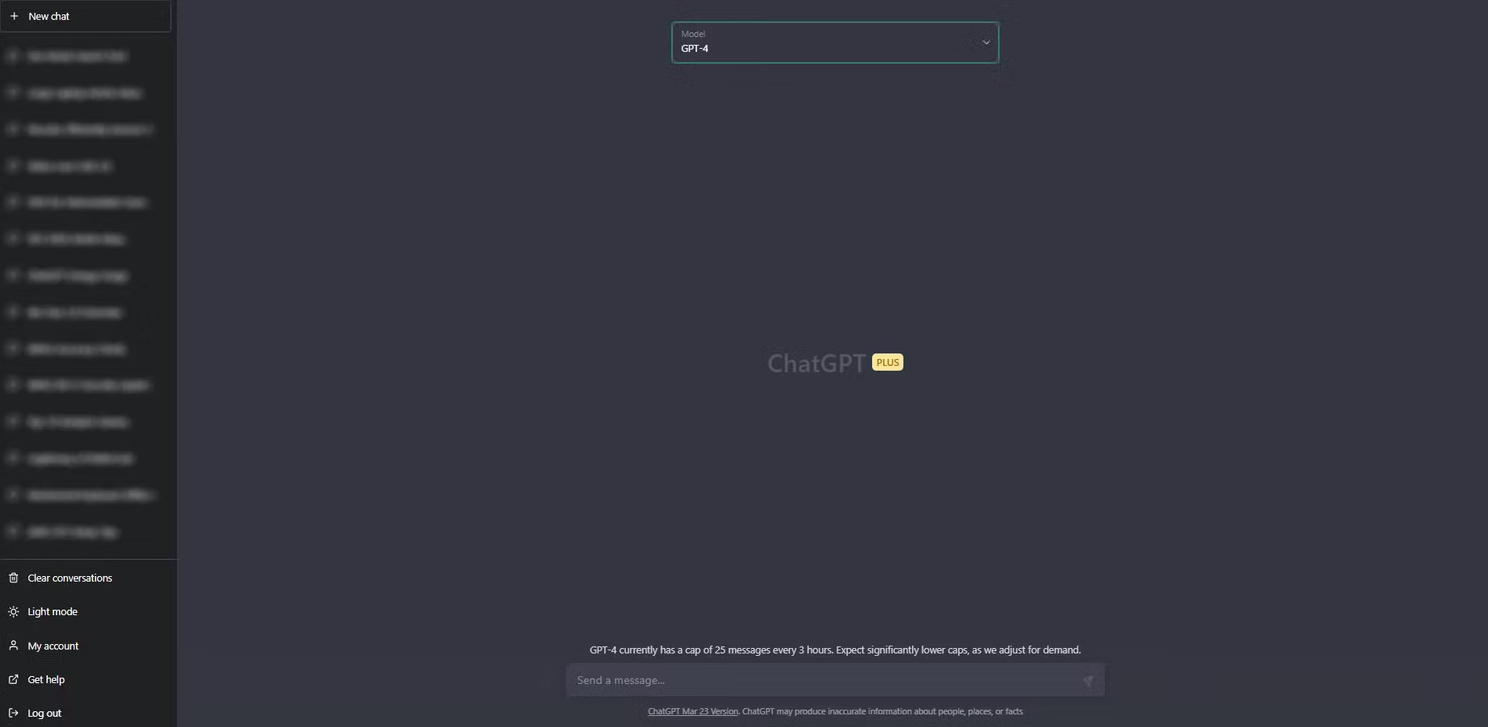
But what happens when your ChatGPT history mysteriously disappears? In this article, we will explore the causes of ChatGPT history loss and provide you with effective solutions to retrieve your valuable chat records.
The Cause of ChatGPT History Loss:
In March 2023, OpenAI temporarily disabled the ChatGPT history feature. Rest assured, your previous conversations have not been deleted; they are simply unavailable while OpenAI's development team resolves bugs and other issues. The history feature was disabled due to a bug in an open-source library used by ChatGPT. This bug allowed certain users to view titles from other users' chat history. OpenAI conducted an internal investigation and found that approximately 1.2% of ChatGPT Plus users had their personal data exposed. The number of affected users was extremely low, and OpenAI promptly contacted everyone impacted by the issue. While the company worked on fixing the bug, the ChatGPT history feature remained inaccessible.
Restoring Your ChatGPT History:
Thankfully, the issue has now been resolved, and you should be able to access your chat history without any problems. However, if your ChatGPT history is still missing, we have outlined several fixes for you to try:
Check Your Internet Connection:
Ensure that you have an active and stable internet connection while using ChatGPT. If your internet cuts out during a chat session, your previous conversations may not be visible. To fix this, verify that your Wi-Fi or mobile data is functioning correctly, and reload the browser tab running the chatbot. Additionally, disable any VPNs or Proxies you might be using, as they can impede ChatGPT's functionality or cause delays and lag.
Log Out and Log Back In Again:
Sometimes, the update meant to fix the issue can disrupt your saved browser session running ChatGPT. To resolve this, log out of your account and then log back in with your OpenAI credentials. This simple step should restore your chat history without any complications.
Clear Your Browser Cache:
Your browser cache stores information that is frequently used when visiting websites, including login states, cookies, and other data. If this cache becomes corrupted, it can cause issues with ChatGPT and other sites. To fix this, clear your browser cache by accessing the browser's settings and selecting the option to clear browser data. Remember to log back into all websites, including ChatGPT, after clearing the cache.
Check ChatGPT Server Status:
The ChatGPT server occasionally faces issues due to high loads or maintenance activities. To check if the server is experiencing any problems, visit the ChatGPT Server Status page, which provides information on the server's uptime over the last 90 days. If the server is down or undergoing maintenance, you will need to wait until it is operational again.
Use a Third-Party Extension:
Consider using third-party browser extensions that help you keep track of your ChatGPT conversation history. Extensions like SaveGPT and ShareGPT are popular options. SaveGPT adds a chat history button to the OpenAI site and automatically saves your conversations in the browser's local storage. ShareGPT offers more extensive conversation-sharing capabilities and stores conversations on a separate site, providing a shareable link.
Get ChatGPT Plus:
If all else fails and you frequently use ChatGPT, consider subscribing to ChatGPT Plus for $20 per month. In addition to faster response times and reduced waiting periods, ChatGPT Plus offers additional features, including access to GPT-4. Subscribing to ChatGPT Plus may also help in recovering your chat history.
While missing chat histories are not the only issue users face with ChatGPT, having your conversation history readily available can be invaluable. OpenAI has resolved the bug that caused the history loss, and by following the aforementioned fixes, you should be able to retrieve your chat history. Despite its occasional hiccups, ChatGPT continues to captivate users with its impressive answering capabilities, and OpenAI remains dedicated to improving its performance and addressing any issues that may arise.
